Add to your phone
Keep Her Own Kind on your home screen
Add the website to your phone for quick access to booking and enquiries. It opens just like the website, and you’ll still need an internet connection to book or send an enquiry.
iPhone or iPad
- Open herownkind.com in Safari.
- Tap the Share button.
- Choose Add to Home Screen.
- If you see Open as Web App, switch it on.
- Tap Add.
Android
- Open herownkind.com in Chrome.
- Tap the menu (three dots) at the top right.
- Choose Install app or Add to Home screen.
- Follow the prompt to confirm.

Share with a QR code
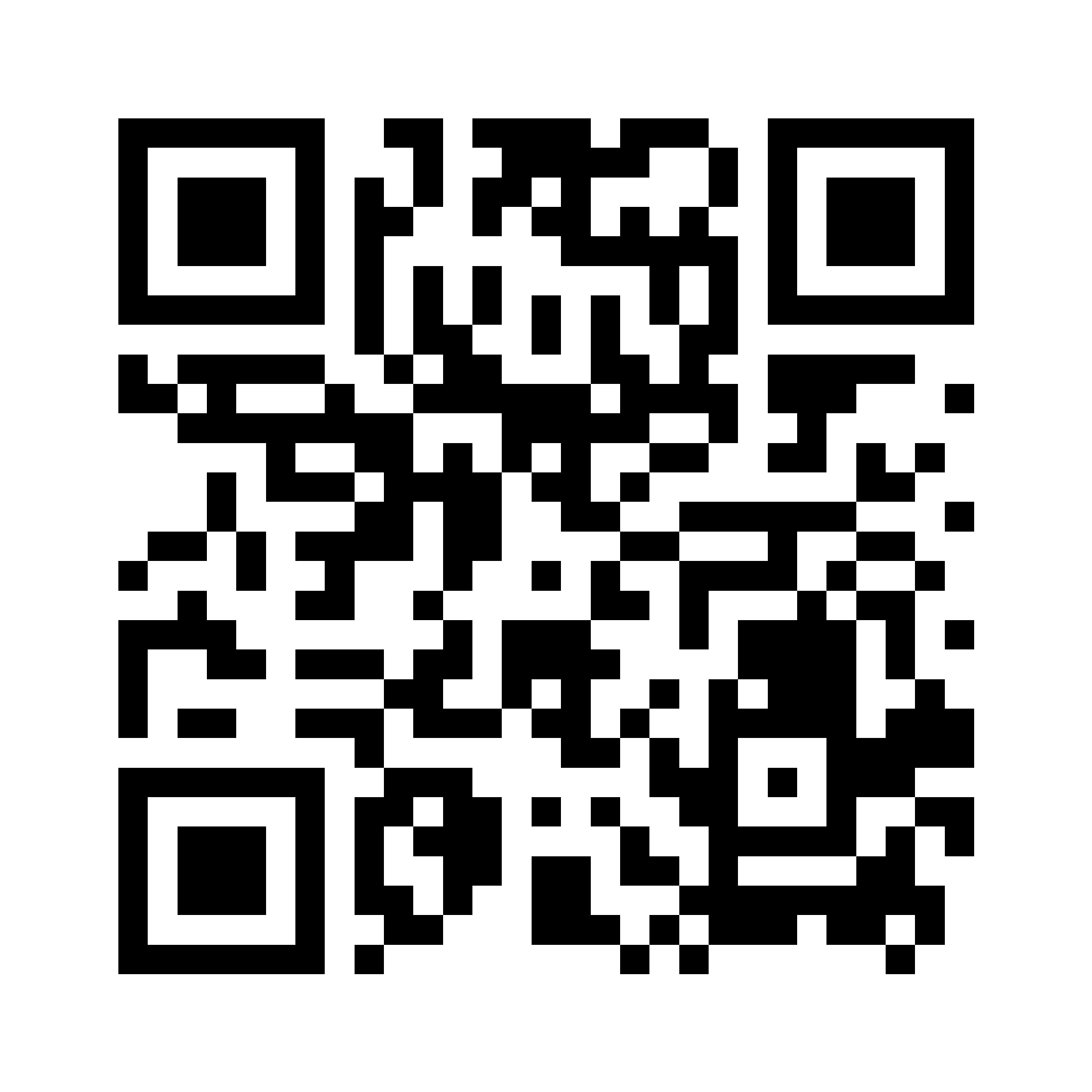
Scanning this code opens these instructions at herownkind.com/install. It doesn’t install anything automatically.